Crafting Useful Mac Programs Since 2004 // Blog
|
|||||
|
|||||
|
|||||
|
|||||
|
|||||
|
|||||
|
|||||
|
|||||
| After payment PLEASE WAIT to be redirected to the page with your download information! |










Go to my personal home site | or Dev blog
I accept Visa, Discover, Amex, MasterCard through Paypal.





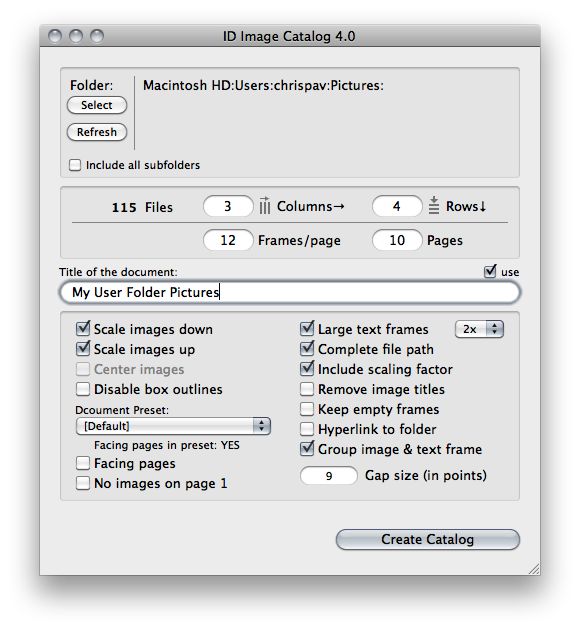
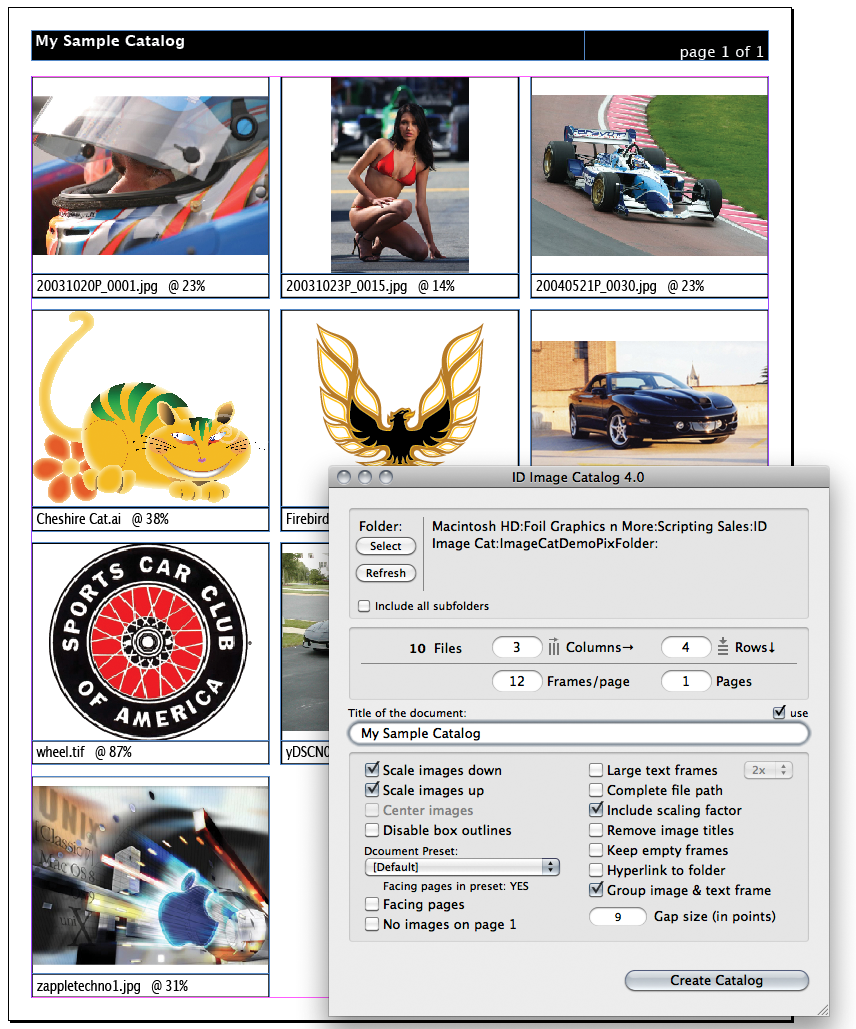
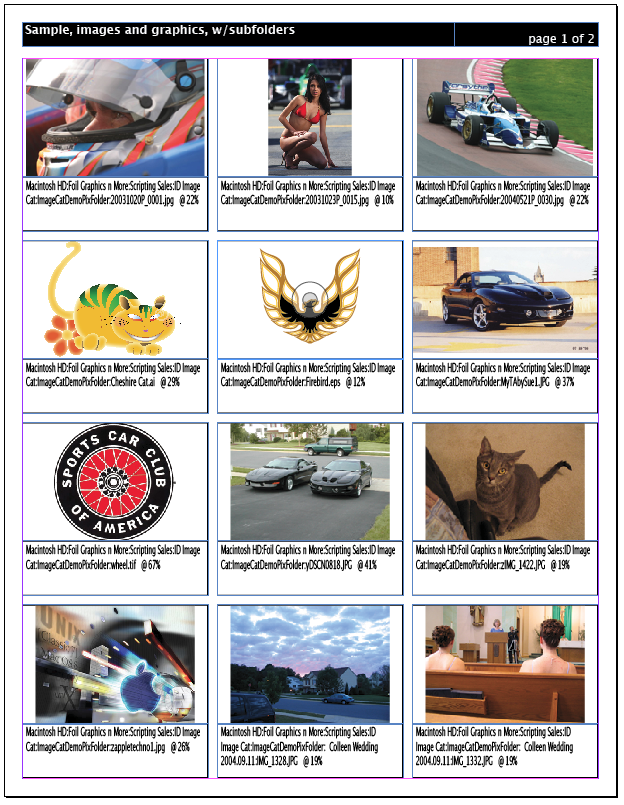
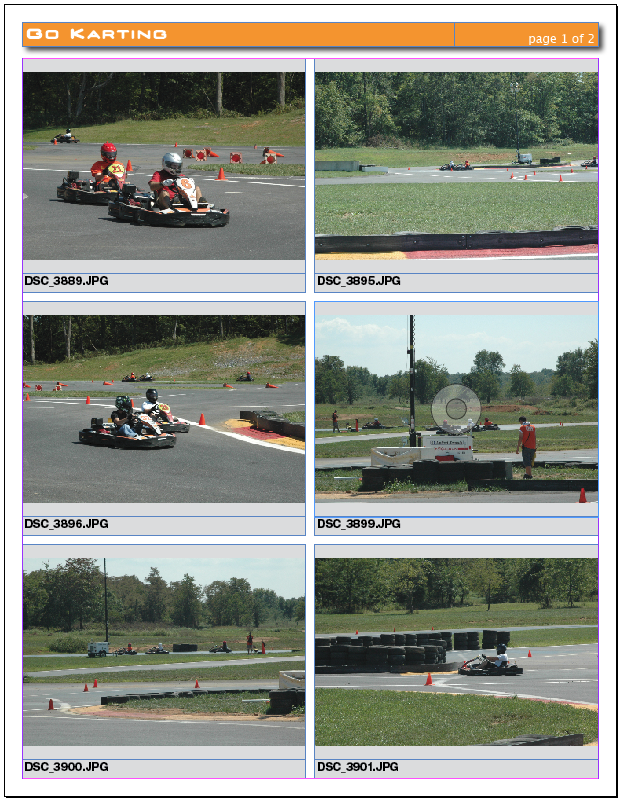
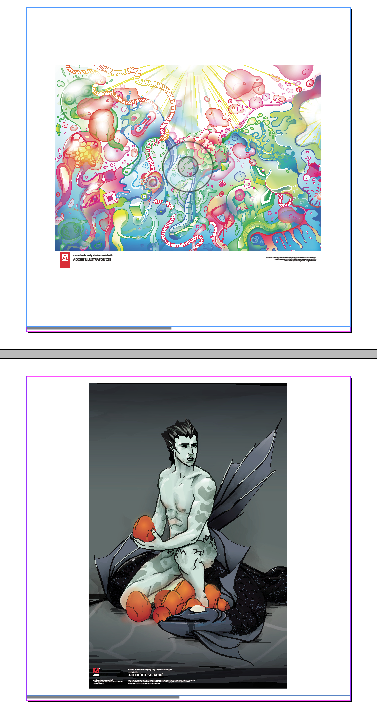
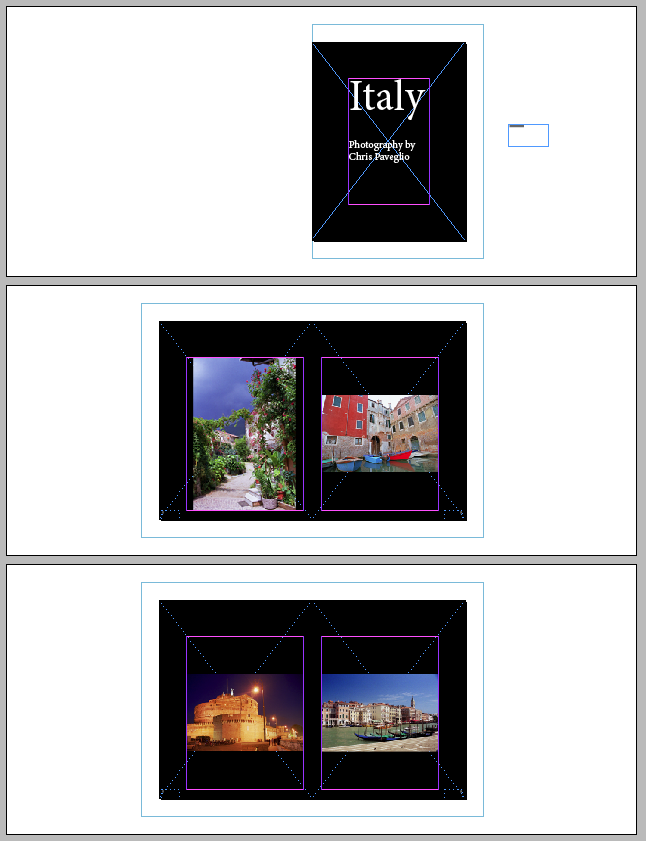
This application will create a page(s) in InDesign with frames and titles of all the images in a folder. Once you select a folder, the application tells InDesign to make a document with the number of image frames per page you specify, places the files, and creates a text frame with the image information below it. New options allow you to make document presets in InDesign and select one to use to make your catalog. By selecting a document preset with no page margins, no image title and no image desciptions and 1 box per page, you can create a document with 1 image per page. Features
Requirements
Sample Catalogs (click for PDF)
See the FAQ/Troubleshooting page. Current version: 4.9.1, December 27, 2020 |
|||||||||||||||||||
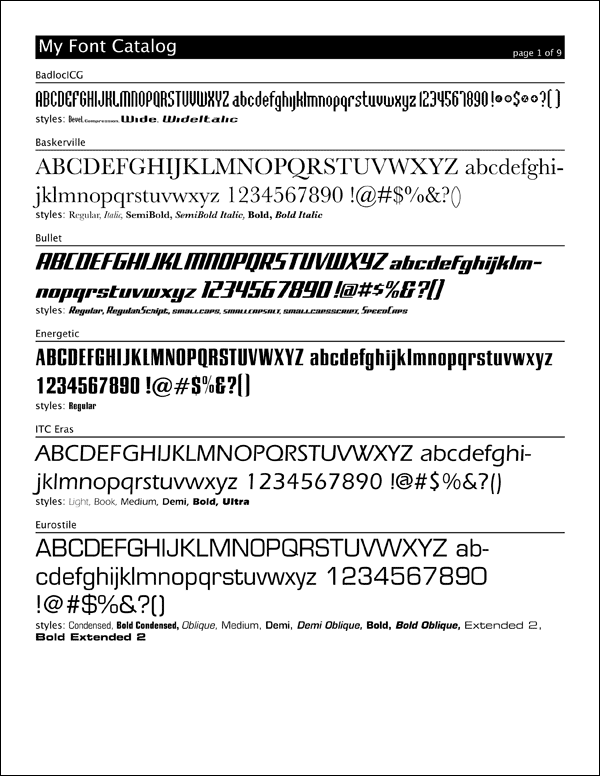
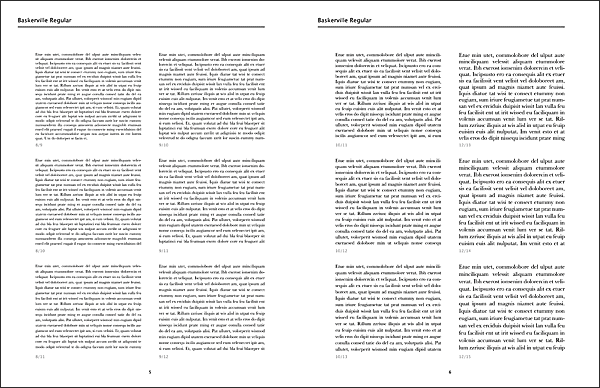
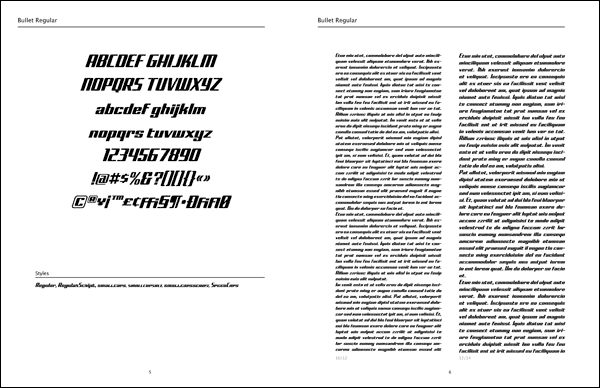
After payment PLEASE WAIT to be redirected to the page with your download information! Have you ever wanted a really compact font sample for your collection of fonts? Tired of wading through hundreds of pages of samples generated by programs that can't group all fonts of a family together? ID Font Catalog is for you! IDFC uses Adobe InDesign to intelligently get the list of fonts available and creates a sample of each font family, but only of the primary font style, and makes a smaller listing of the other styles like text-bold, italic, compressed, etc! ID Font Catalog is THE ONLY font catalog program available (that I know of) that groups fonts in their family. Every other commercial or free solution creates a new page for every style! ID Font Catalog groups fonts by their family. Look at smarter font samples, not more! Features:
Yeah this video is rather old, but nothing significant has changed in the app's operation. Requirements:
Current version: 4.0.2, October 25, 2021 |
|||||||||||||||||||
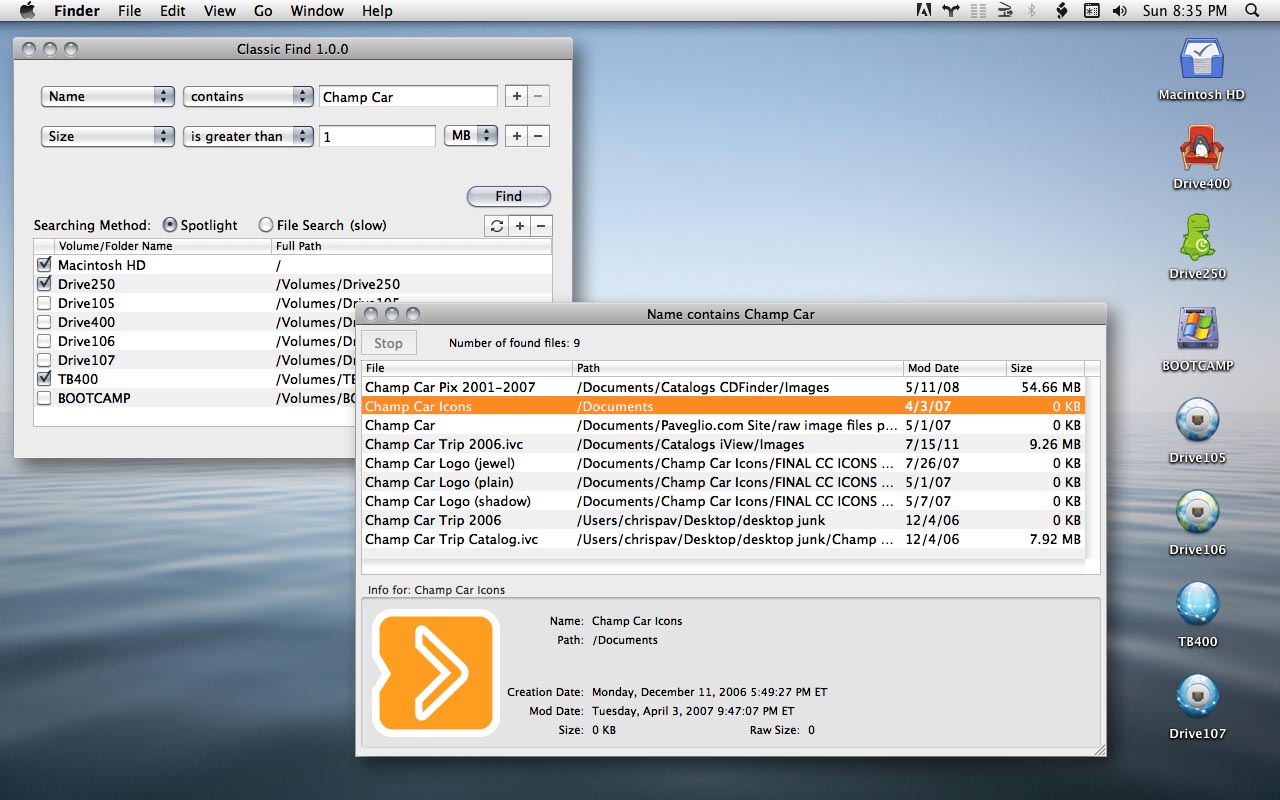
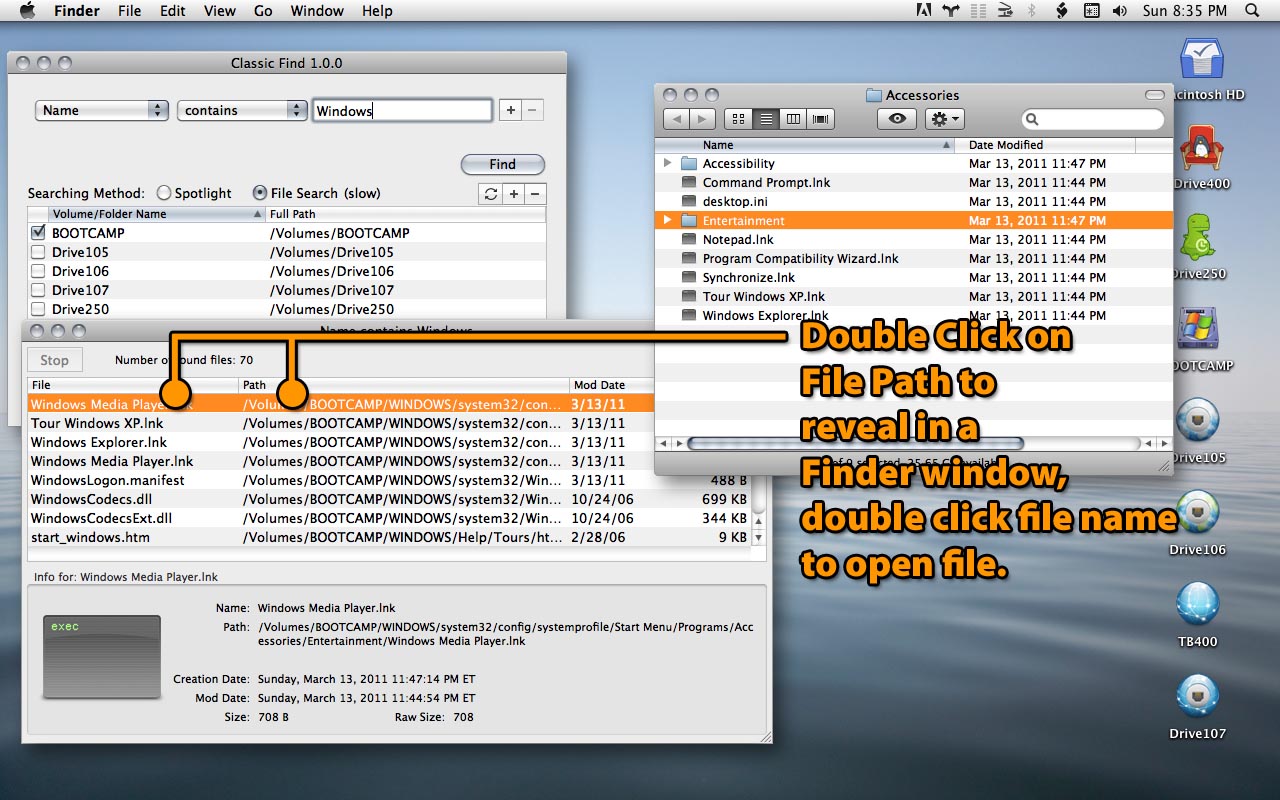
Classic Find is inspired by the Find File utility seen in Mac OS 8 through OS X 10.3. It features a list of all attached drives/volumes where to search upon. You can choose to search one, all, or only a select few drives. This is useful for cutting your search time down, or when you know you only need to search certain disks. Especially helpful in networked environments where you really don't want to search all connected volumes. Classic Find uses the Spotlight search engine for default searches, so your volumes should be able to be searched by Spotlight. You can use the File Search function to search all files individually on a disk, but this is much much slower. But unlike Spotlight which excludes certain directories from its index (like the System and Library folders), File Search will look at everything. But it can be slow. Features:
Requirements:
Current version: 2.0.0, October 1, 2018 |
|||||||||||||||||||
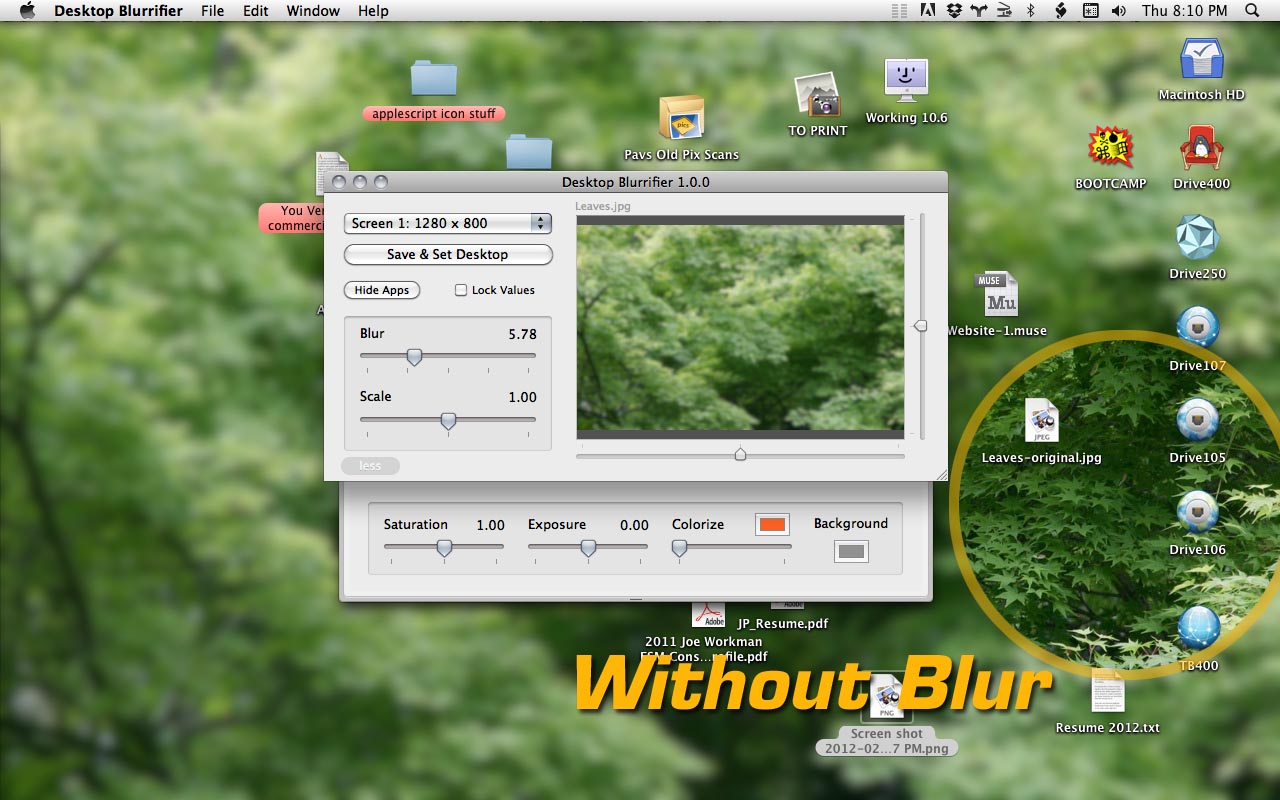
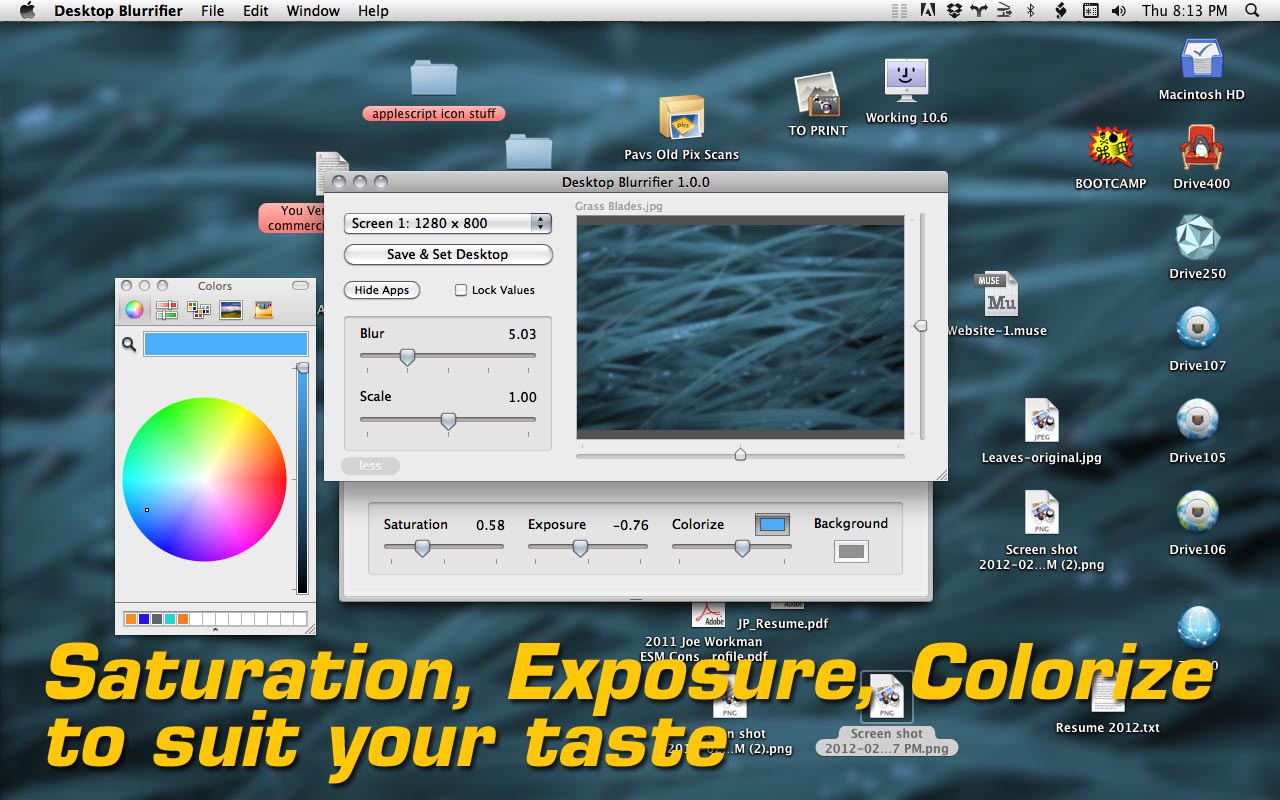
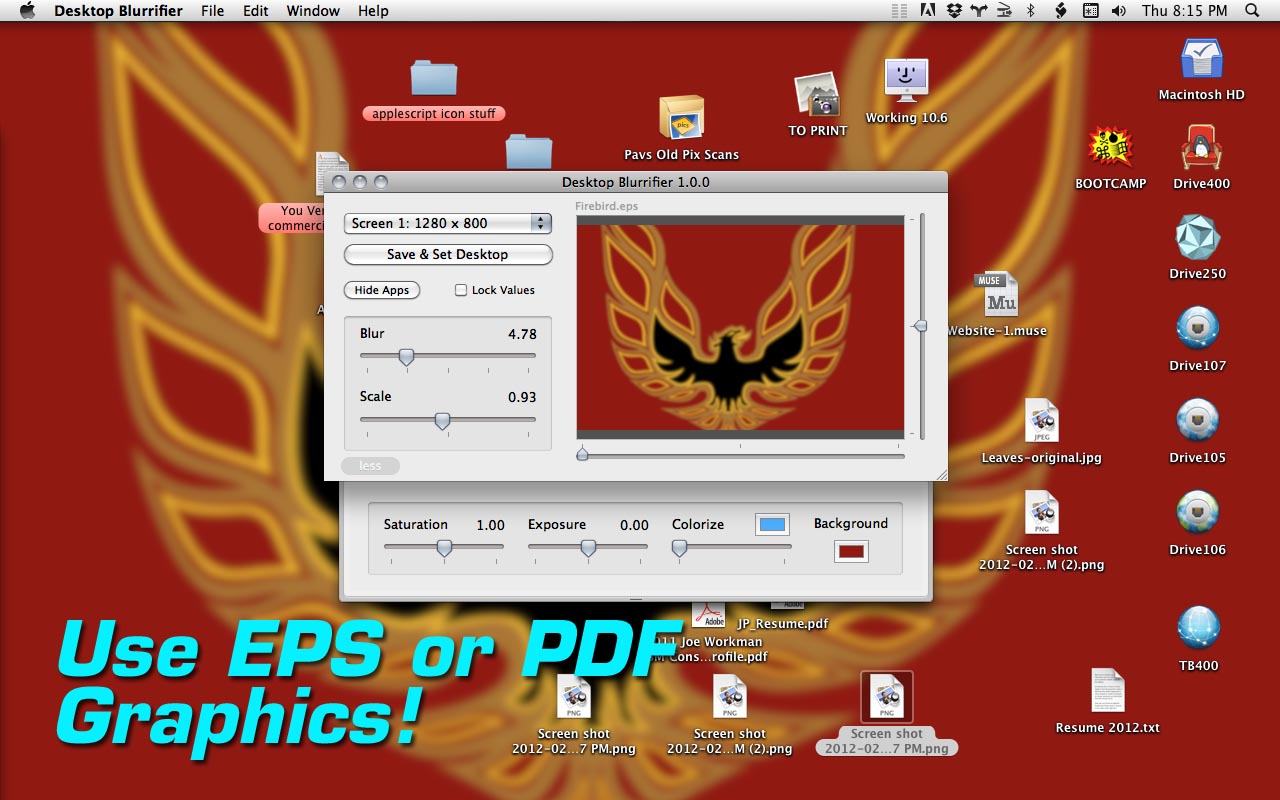
Do you have icons on your desktop? Do you want to see them easier but still have a nice desktop picture? Don't have or want to go to Photoshop to make an adjustment to a desktop image? Use Desktop Blurrifier! Quickly put a blur on a picture and set it to your desktop picture. Add a little more flare with quick saturation, exposure, and colorize options. EPS images and PDFs are supported, you can have a logo as your desktop and blur it too! Features:
Watch a short demo (3 mins)
Requirements:
Current version: 2.0.0, August 15, 2015 |
|||||||||||||||||||
Accurate Size Of Folder -drag and drop a folder to get a more accurate file size calculation, useful for burning CD/DVD becase the Finder info is hard to calculate and Toast (5/6)now doesn't give an accurate size to the megabyte. File Type And Creator Changers -drag and drop files onto these scripts to set the file type and creators information in OS X. Many files in X rely solely on the file extension, but sometimes its helpful to set them, such as changing .jpgs to Photoshop .jpgs so a double click opens Photoshop instead of Preview. Send BCCs -this script is for use with MS Entourage. You select a variety of email messages, then run this. This script then makes a new outgoing email with the BCC field populated by the messages you had selected. It's an easy way to send private emails out to everyone you received an email from. I use it for sending messages to everyone who's purchased a script. It's easier than trying to manage a group, plus you can be more selective. PDF Combiner -this Applescript will combine all PDFs in a chosen folder into one file. It can combine pages that are of different sizes. I am selling these scripts "as is" and take no responsibility for any data loss, corruptions, or system difficulty you may have. I will make every effort to ensure these applications' functionality as stated but cannot guarantee operability on all computers and any specific configuration. IF YOU DO NOT HAVE INDESIGN OR ANY OTHER REQUIRED PROGRAM DO NOT PURCHASE THESE ITEMS THEN REQUEST A REFUND. Since I can't know for sure if you are an ID user/owner, I can't offer refunds for these reasons.These apps are for Mac OS X operating system only, and will NOT work on Windows. Email questions and concerns to:app-support (at) paveglio.com |